
Introduction
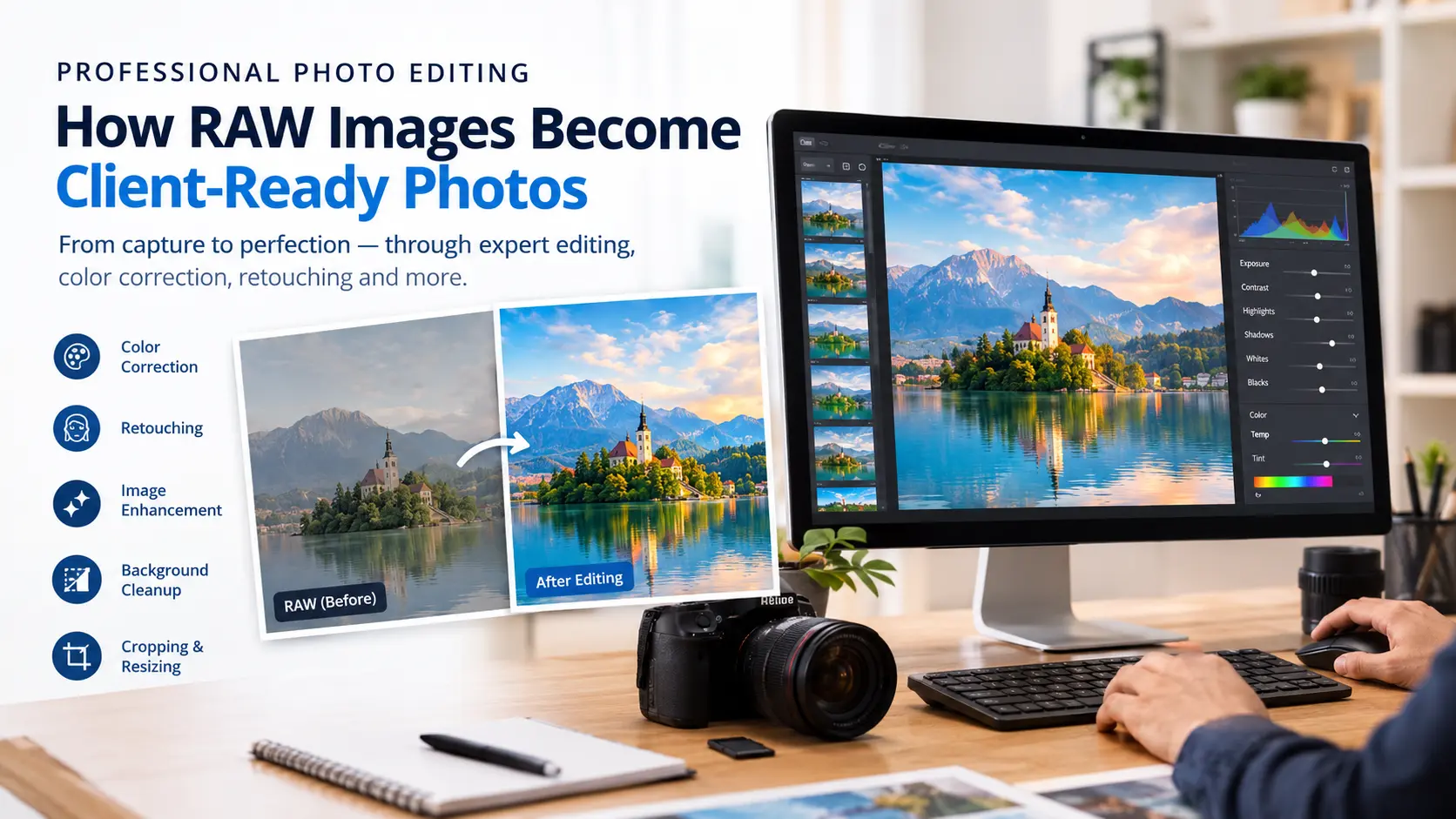
Capturing a great photograph is only the beginning. RAW Image Editing transforms original camera captures into polished, consistent, client-ready images. For example, correcting exposure, balancing colors, and removing distractions each contribute to the final result.
RAW files preserve extensive image information, so they give photographers greater flexibility. However, they often need adjustments before they are ready for websites, social media, advertising, or print. In addition, you can explore our professional image editing services to learn more about image enhancement solutions.
What Is RAW Image Editing?
RAW image editing is the process of enhancing and correcting digital photographs using specialized software and established techniques. It combines technical adjustments with creative decisions to meet specific visual requirements.
Common tasks include exposure correction, color balancing, skin retouching, background cleanup, sharpening, and resizing. Therefore, understanding the difference between image editing and image retouching helps photographers select the right workflow.
Different industries require different approaches. For instance, wedding photography focuses on natural skin tones, while real estate photography emphasizes balanced lighting and straight lines. Similarly, e-commerce photography requires clean backgrounds and accurate product colors.
Why Does RAW Image Editing Matter?
RAW files contain minimally processed data captured by a camera sensor. Compared with JPEG files, they generally provide greater flexibility for adjusting exposure, white balance, and highlight and shadow details.
According to Adobe’s guide to the benefits of shooting in RAW, RAW files offer greater creative flexibility. Adobe also explains what RAW files are and how to work with them.
As a result, RAW image editing helps photographers correct color casts, improve contrast, and reduce noise. Nevertheless, the amount of recoverable detail depends on the original exposure.
The 6 Essential Steps in a RAW Image Editing Workflow
1. Organize and Select Images
First, the process begins with secure storage, backups, and organized project folders. Next, editors review the photographs and select the strongest images.
Culling removes duplicates and test shots. Consequently, this reduces unnecessary editing work and creates a focused final collection.
2. Correct Exposure and Colors
Editors adjust brightness, white balance, contrast, highlights, and shadows to establish a balanced foundation. Proper color correction is especially important for large galleries.
Adobe’s Lightroom lighting and color editing tutorial explains how these adjustments improve photographs.
For additional support, explore our image enhancement services and color cast removal for real estate photos. In addition, HDR enhancement helps balance difficult lighting.
3. Perform Detailed Retouching
After the basic corrections, retouching addresses imperfections and distractions. Depending on the project, this may include blemish removal, stray hair cleanup, dust removal, and background corrections.
For portraits, natural skin texture should be preserved. In this case, our professional portrait retouching services focus on portrait-specific requirements. You can also read our complete guide to professional photo retouching.
Adobe also provides a practical photo retouching guide for refining images and removing unwanted content.
4. Refine Sharpness and Image Quality
Sharpening improves perceived detail, while noise reduction minimizes unwanted grain. However, both techniques should be applied carefully to avoid harsh edges or artificial textures.
Furthermore, creative image editing techniques can help explain how different methods serve different visual goals.
5. Maintain Consistency
Professional editing involves more than improving individual photographs. Instead, the entire collection should follow the agreed visual style. For this reason, editors review color grading, exposure, cropping, and retouching together.
For wedding collections, explore our wedding photo editing services. Likewise, fashion businesses can review our fashion image editing solutions.
6. Export Client-Ready Files
Finally, the last stage involves preparing files to the client’s requirements. JPEG suits most online delivery, but TIFF may be preferred for certain print workflows.
Export settings should account for dimensions, resolution, color profile, and file size. Our image cropping and resizing services can help here. Before delivery, a final quality check helps catch color inconsistencies, retouching errors, and incorrect cropping.
Photo Editing Examples Across Different Industries
Wedding RAW Image Editing
Editing approach: First, balance exposure and correct white balance. Then, refine skin tones and keep color grading consistent.
Expected result: As a result, the gallery feels cohesive, with natural-looking portraits.
Real Estate RAW Image Editing
Editing approach: Balance highlights and shadows, correct color casts, and straighten architectural lines.
Expected result: Consequently, property images look clear and natural. Learn more about our real estate photo editing services and perspective correction solutions.
E-Commerce RAW Image Editing
Editing approach: Remove dust, refine edges, and create consistent backgrounds. In addition, match product colors to approved references.
Expected result: Therefore, product images look professional and suit online stores. Explore our background removal services, photo clipping services, and product photography editing solutions.
Jewelry and Automotive RAW Image Editing
Jewelry photography requires precise detail enhancement and realistic metal and gemstone colors. Similarly, automotive photography benefits from paint refinement and reflection cleanup.
Explore our jewelry photo editing services and automotive image editing solutions. However, actual results depend on the original photographs and the project brief.
Why Outsource RAW Image Editing?
Managing photography, editing, and marketing can be demanding, particularly when volumes increase. For this reason, outsourcing selected editing tasks can help photographers work more efficiently. Outsourcing can help businesses:
- Save time: Reduce hours spent on repetitive editing.
- Handle larger projects: Manage high image volumes.
- Maintain consistency: Follow established styles and references.
- Focus on growth: Spend more time on clients.
Read more about the benefits of outsourcing photo editing services and how outsourcing image editing can save time and money.
Before choosing a partner, review sample work, communication processes, data security, turnaround times, and revision policies. Additionally, our guide on choosing the right image editing outsourcing partner explains key factors.
Frequently Asked Questions
What software is used for RAW image editing?
Adobe Lightroom and Capture One are commonly used for RAW processing. Meanwhile, Adobe Photoshop is widely used for detailed retouching and compositing.
How long does photo editing take?
Editing time depends on image quantity, complexity, and delivery standards. For example, basic corrections may be quick, but detailed commercial retouching requires significantly more time.
Can editing improve poor-quality photographs?
Editing can improve exposure, colors, and certain imperfections. However, severely blurred images or details that were never captured cannot always be restored.
Is photo editing outsourcing suitable for small studios?
Yes. Independent photographers and small studios can outsource selected tasks or entire projects. In fact, clear instructions and reference images help maintain consistency. Moreover, see the advantages of outsourcing image editing for small businesses.
Conclusion
RAW image editing transforms RAW captures into polished, client-ready photographs through selection, color correction, retouching, quality control, and export preparation. The best results balance technical precision with a natural, consistent style.
For photographers managing demanding workloads, outsourcing can therefore provide additional support. As a result, you gain more time to focus on clients and business growth.
Get Professional Photo Editing Services from Outsource Image
Need help preparing your photographs for professional delivery? Contact us to discuss your editing preferences and delivery specifications.
Website: Outsource Image
Email: sales@outsourceimage.com
Phone: +91 93454 50713
Call to Action: Explore Our Photo Editing Services
#ProfessionalPhotoEditing #RAWImageEditing #PhotoRetouching #PhotoEditingServices #PhotoEditingOutsourcing #ImageEnhancement #WeddingPhotoEditing #RealEstatePhotoEditing #ProductPhotoEditing #FashionRetouching #OutsourceImage